



In the ever-evolving digital landscape, accessing desired online content can sometimes be a challenge. This guide serves as your comprehensive resource on how to unblock YouTube videos in 2026. Whether you’re facing geographical restrictions, network limitations, or other forms of censorship, we’ll explore various methods and tools to bypass these blocks and ensure you can watch YouTube without limitations.
Reasons for Youtube Videos Being Blocked
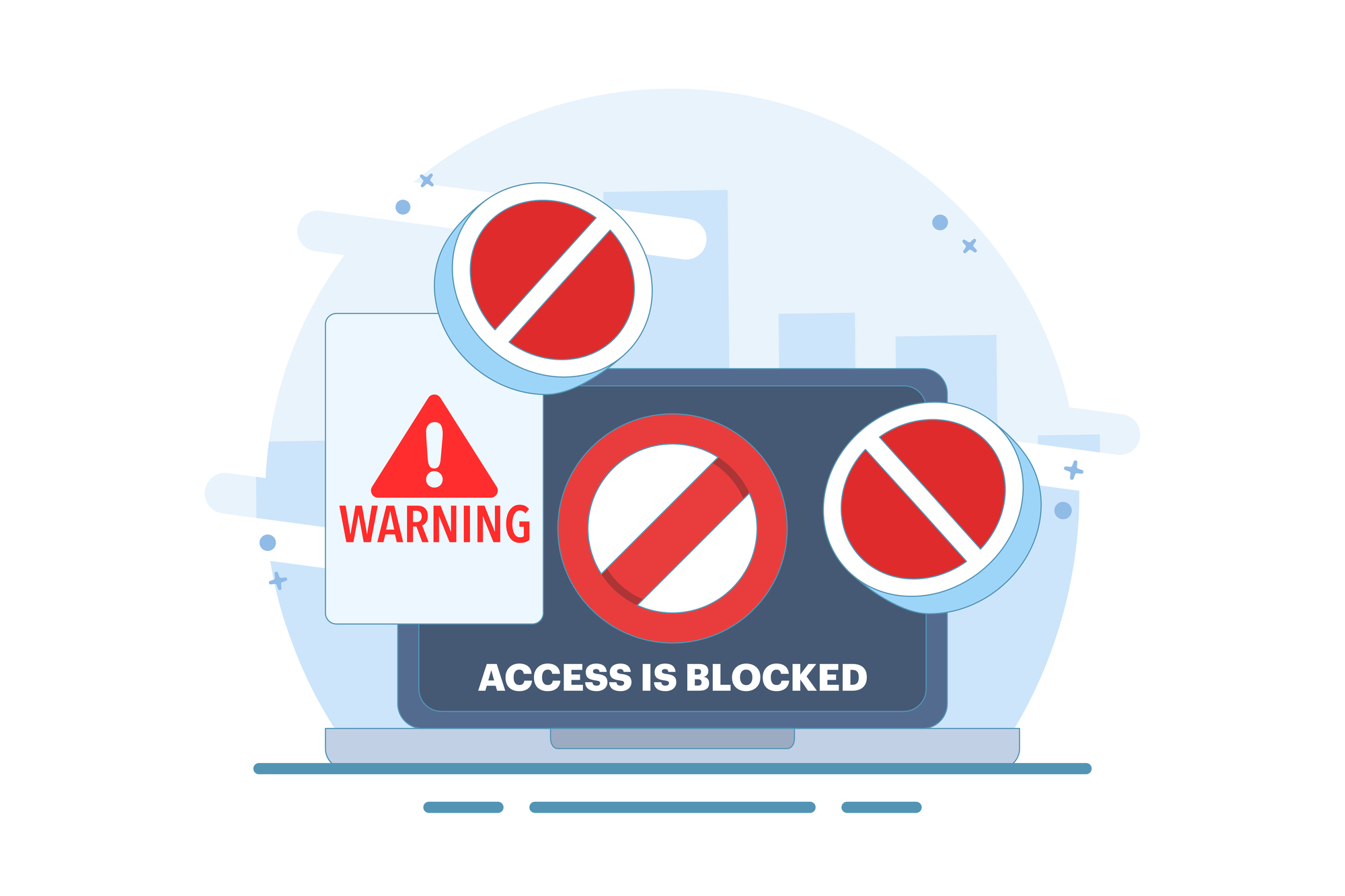
Several reasons can contribute to a YouTube video being blocked. These restrictions often stem from different sources:
- Copyright claims by content creators or distributors, intended to protect intellectual property.
- Government censorship in certain countries, restricting access to content that conflicts with their regulations.
- Network restrictions imposed by organizations like schools or workplaces, to manage bandwidth or prevent distractions.
Additionally, YouTube may block videos due to violations of their community guidelines, such as hate speech or inappropriate content.
Best Youtube Unblockers: Tools and Techniques
VPN
Using a VPN is one of the most reliable and secure ways to unblock YouTube. A VPN encrypts your internet traffic and routes it through a server in a location of your choice, masking your IP address and making it appear as though you’re accessing the internet from that location. This can effectively bypass geo-restrictions and network restrictions, allowing you to access blocked YouTube videos. When selecting a VPN, choose a reputable provider with a wide range of server locations, strong encryption, and a no-logs policy to protect your privacy. With a VPN, you can enjoy unrestricted access to YouTube content while safeguarding your online activity from prying eyes. Remember to check for any specific regulations or terms of service in your region regarding VPN usage.
Browser Extensions
Browser extensions are a convenient way to unblock YouTube videos directly from your browser. Many browser extensions act as proxy servers, routing your internet traffic through a different server to bypass network restrictions and access blocked content. Some popular extensions offer encryption, adding an extra layer of security to your browsing activity when unblocking YouTube. These extensions often provide a simple, one-click solution to bypass geo-restrictions and watch YouTube videos that are otherwise unavailable. However, it’s crucial to choose reputable extensions from trusted developers to avoid potential security risks. Read user reviews and check the permissions requested by the extension before installing it to ensure your data remains protected while unblocking YouTube.
Proxy Server
Proxy servers are a viable option for unblocking YouTube, acting as intermediaries between your device and the internet. When you use a proxy server, your internet traffic is routed through the proxy server, which then fetches the requested YouTube content and sends it back to you. This can bypass network restrictions and geo-blocks, allowing you to access blocked YouTube videos. Proxy servers can be configured in your browser settings or used through dedicated proxy software. While proxy servers can be effective for unblocking YouTube, they often provide less encryption compared to VPNs, potentially exposing your internet traffic to surveillance. Therefore, it’s essential to use reputable proxy servers and take additional security measures when unblocking YouTube.
Tor Browser
When attempting to unblock YouTube videos, your choice of browser can make a significant difference. Some browsers offer built-in features or support extensions that facilitate unblocking YouTube. For instance, the Tor browser is designed for anonymity and can bypass many network restrictions, allowing you to access blocked YouTube content.
Safety and Privacy Concerns
It’s crucial to be aware of the safety and privacy concerns associated with unblocking YouTube. Many free proxy servers and VPNs may log your internet traffic, potentially compromising your personal data. Some unblocking tools might contain malware or adware, which can harm your device and expose your browsing activity. Using unreliable services can also lead to slow loading times and interrupted streaming. Consider using a trusted VPN with encryption to protect your data, and avoid services that request excessive permissions. When using a free Wi-Fi hotspot, be especially cautious, as these networks are often unsecured and can leave you vulnerable to cyber threats.