



Setting up a virtual private network (VPN) might seem complex at first, but with the right guidance, configuring a VPN on your device can be a straightforward process. This article will walk you through the various VPN configurations available, helping you establish a secure connection and safeguard your internet traffic.
Overview of VPN Types
There are several types of VPNs, each designed for specific purposes and offering different benefits. The most common types include:
| VPN Type | Description |
| Remote Access VPN | Allows individual users to securely connect to a private network over the internet, commonly used by remote workers to access corporate resources. |
| Site-to-Site VPN | Connects entire networks, such as two branch offices of a company, creating a secure tunnel between them. |
Each type of VPN has distinct configuration settings and requires a particular approach to effectively set up a VPN.
Choosing the Right Type of VPN for Your Needs
Selecting the appropriate type of VPN is crucial for ensuring optimal security and functionality. For individual users looking to protect their personal internet traffic and maintain online privacy, a Remote Access VPN is typically the most suitable choice. These are often offered by VPN providers through user-friendly VPN apps that simplify the setup process. Businesses requiring secure communication between multiple locations will benefit more from a Site-to-Site VPN, which enables secure data exchange across different physical sites. The device you’re using and your specific security requirements will heavily influence your decision when setting up a VPN connection.
VPN Configurations for Different Devices
Configuring VPN on iPhone
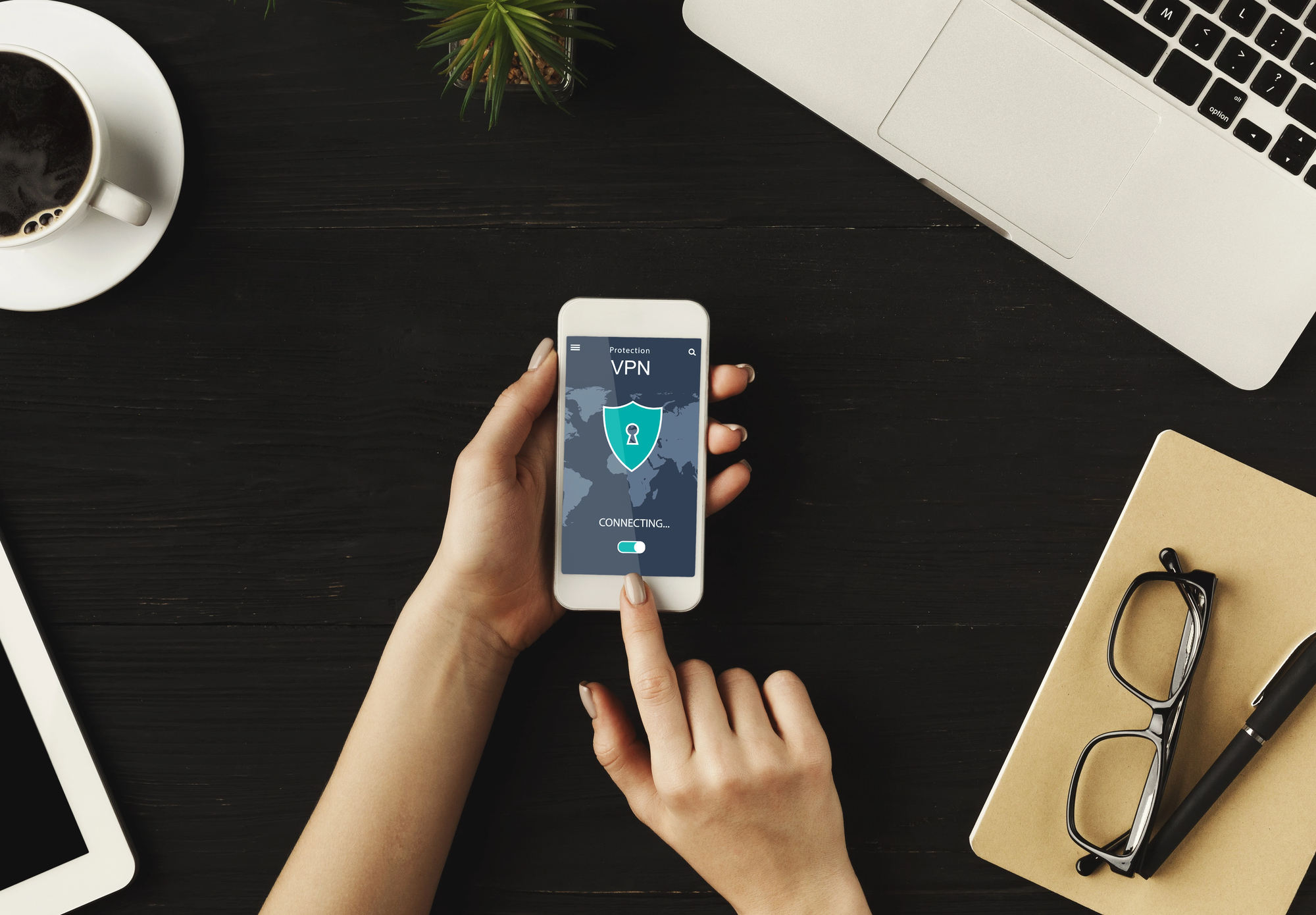
Setting up a VPN on your iPhone involves a few straightforward steps to establish a secure connection. Firstly, you typically need to
- download the VPN app from your chosen VPN provider directly from the App Store.
- Once the VPN app is installed, open it and sign in with your credentials.
- The app will then guide you through the initial VPN configuration, often requesting permission to add VPN configurations to your device’s settings.
You can also manually configure a VPN by going to Settings > General > VPN > Add VPN Configuration, where you’ll input details such as the VPN protocol, server address, and authentication method provided by your VPN service. This process ensures your internet traffic is routed through the VPN server, protecting your online privacy on your iPhone.
Configuring VPN on Android Devices
Configuring a VPN on Android devices is quite similar to the iPhone process, focusing on user-friendly methods to set up a VPN.
- Begin by downloading the VPN app from the Google Play Store, offered by your selected VPN provider.
- After installation, launch the app and follow the on-screen instructions to log in and initiate the VPN connection.
- The VPN app usually handles most of the VPN configuration settings automatically.
For manual setup, navigate to Settings > Network & internet > VPN, then tap the plus icon to add a new VPN profile. Here, you’ll need to enter information like the VPN type, server address, and any specific configuration settings provided by your VPN service, allowing you to establish a secure connection and protect your internet traffic.
VPN Setup for Windows and Mac
For Windows and Mac operating systems, the VPN setup largely revolves around installing a dedicated VPN app from your VPN provider, which offers the most straightforward way to configure a VPN. After downloading and installing the VPN app, simply open it, log in, and click connect to establish a secure connection. The app automatically handles the necessary VPN configurations, including selecting an optimal VPN server.
Alternatively, both Windows and Mac allow for manual VPN configuration through their respective network settings. On Windows, this is typically done via Network & Internet settings, while on Mac, you would go to System Settings > VPN. Here, you can input details such as the VPN protocol, server address, and authentication information to set up a VPN that meets your specific requirements, ensuring your internet traffic is protected by your virtual private network service.
Advanced VPN Settings for Enhanced Security
For users seeking to bolster their security and optimize their VPN connection, exploring advanced VPN settings is highly beneficial. These settings can significantly enhance the protection offered by your VPN service. Adjusting these various settings ensures that your virtual private network is tailored to your specific security needs, providing robust protection for your internet traffic. Key options for enhanced security include:
| Feature | Benefit |
| Kill Switch | Automatically disconnects your device from the internet if the VPN connection drops, preventing any accidental exposure of your IP address. |
| Custom DNS Servers | Offers an extra layer of privacy and protection against malicious websites. |
| Split Tunneling | Allows you to choose which applications or websites use the VPN tunnel and which access the internet directly. |
Solutions for Frequent Configuration Errors
Solving frequent VPN configuration errors often involves a systematic approach to ensure your VPN connection functions correctly. If you’re struggling to set up a VPN, double-check your VPN configuration settings, including the VPN server address, username, password, and the selected VPN protocol. Many issues can be resolved by simply restarting the VPN app or your device. If the problem persists, try connecting to a different VPN server provided by your VPN service, as the current server might be experiencing issues. For more complex problems, such as a blocked port, you might need to consult your VPN provider’s support documentation or contact their customer service for specific guidance on your type of VPN and device you’re using.
Impact of VPN Configurations on Online Privacy
The impact of VPN configurations on online privacy is profound, directly influencing how well your personal data and internet traffic are protected. Proper VPN configuration ensures that your IP address is masked, preventing websites and online services from tracking your real location. By routing your internet traffic through an encrypted VPN server, you make it significantly harder for third parties, including internet service providers and government agencies, to monitor your online activities. Different types of VPN configurations, such as those employing a no-logs policy, further bolster privacy by ensuring no records of your online behavior are kept. Choosing a reputable VPN provider with transparent privacy policies is essential for establishing a secure connection that truly safeguards your online privacy.