

In an increasingly digital world, maintaining the security of your online presence, especially on platforms like Facebook, is paramount. This article aims to equip you with the knowledge to discern if your Facebook account has been compromised by a malicious actor and guide you on the immediate steps to secure your account.
Signs Your Facebook Account Has Been Hacked
Unfamiliar Activity on Your Account
One of the most telling signs your Facebook account has been hacked is the presence of unfamiliar activity. This could manifest as messages you don’t recognize being sent from your account, friend requests you didn’t initiate being sent to people you don’t know, or posts appearing on your timeline that you did not create. These anomalies clearly tell if your Facebook account is under someone else’s control.
Unexpected Login Attempts
You might receive an alert about unexpected login attempts from a device you don’t recognize or from an unusual location. Facebook’s password and security features are designed to notify you of such activities. If you see alerts about someone trying to log in to your account, especially if it indicates a failed login attempt, it’s a strong sign that your Facebook account has been targeted or even compromised by a hacker attempting to access your account credentials.
Changes to Personal Information
A significant indicator that your Facebook account has been hacked is unauthorized changes to your personal information. This could include a new email address or phone number added to your account, a changed password, or even modifications to your profile picture or bio. If you try to log in to your account and find your password no longer works or notice details you don’t recognize, it’s a clear sign that a malicious actor has gained access and begun to use your account.
How to Check if Your Facebook Account Has Been Hacked
Log in to Your Account
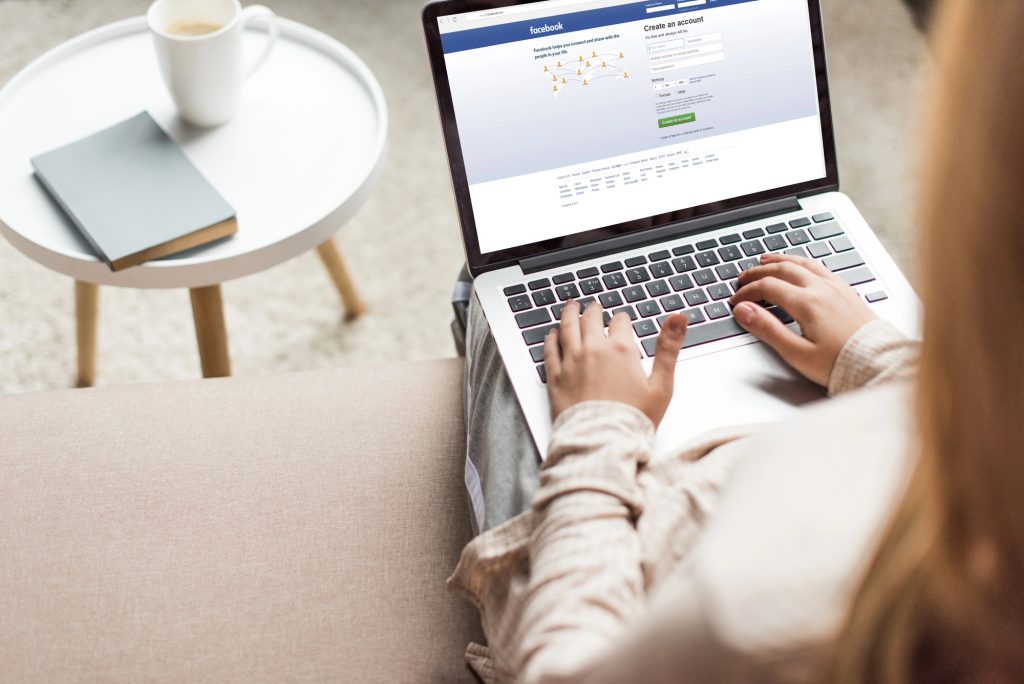
The initial step to know if your Facebook account has been hacked is to attempt to log in to your account directly. If you can successfully log in, this doesn’t automatically mean your Facebook account is secure, but it allows you to further investigate potential malicious activity.
Review Your Login History
Once you are logged in, navigate to the “Password and Security” section to review your login history. This area will display all recent login attempts, including the devices used and their locations. If you spot any device you don’t recognize or login attempts from unfamiliar geographical areas, it’s a clear alert that someone else might have gained unauthorized access.
Check for Unauthorized Changes
After reviewing your login history, meticulously check for any unauthorized changes to your personal information. A hacker often alters details such as your email address, phone number, or even your profile picture to maintain control or redirect notifications. Additionally, look for any new friend requests sent, messages you don’t recognize, or posts on your timeline that you didn’t create.
What to Do If You Know Your Facebook Has Been Hacked
Secure Your Account Immediately
If you discover that your Facebook account has been hacked, the immediate priority is to secure your account immediately. This involves several critical steps to prevent further damage and regain control from the hacker. Swift action can mitigate the risks associated with a compromised account, ensuring your personal information remains safe and your digital presence is not exploited for malicious purposes or scams.
Change Your Password
The first step after realizing your Facebook account has been hacked is to change your password. If the hacker has indeed gained access, changing your Facebook password will immediately revoke their current access. It’s imperative to create a strong password, combining uppercase and lowercase letters, numbers, and symbols, to make it incredibly difficult for any future login attempt by a malicious actor.
Enable Two-Factor Authentication
To further secure your account and prevent future unauthorized access, enable two-factor authentication. This adds an extra layer of security, requiring a code sent to your phone in addition to your password for any login attempt. Even if a hacker manages to obtain your Facebook password, they will be unable to access your account without this second form of authentication, providing a robust defense against malicious intrusions.
How to Protect Your Facebook Account
Best Practices for Facebook Security
Proactive measures are key to keeping your Facebook account secure and preventing it from being hacked. Adhering to best practices for Facebook security involves regularly updating your password, being vigilant about what information you share, and exercising caution with suspicious links or friend requests.
Regularly Monitor Account Activity
To protect your Facebook account, regularly monitor account activity for any unfamiliar actions. Periodically check your login history in the “Password and Security” settings for any device you don’t recognize or unusual login attempts. Look for messages you don’t recognize, friend requests you didn’t send, or posts you didn’t make.
Be Cautious with Personal Information
Exercising extreme caution with your personal information is paramount to protecting your Facebook account from being hacked. Avoid sharing sensitive details in public posts or messages and be wary of requests for personal data, which often signify a scam. A hacker often uses social engineering to trick you into revealing credentials. Always double-check the legitimacy of any requests before providing your email address or other private data.